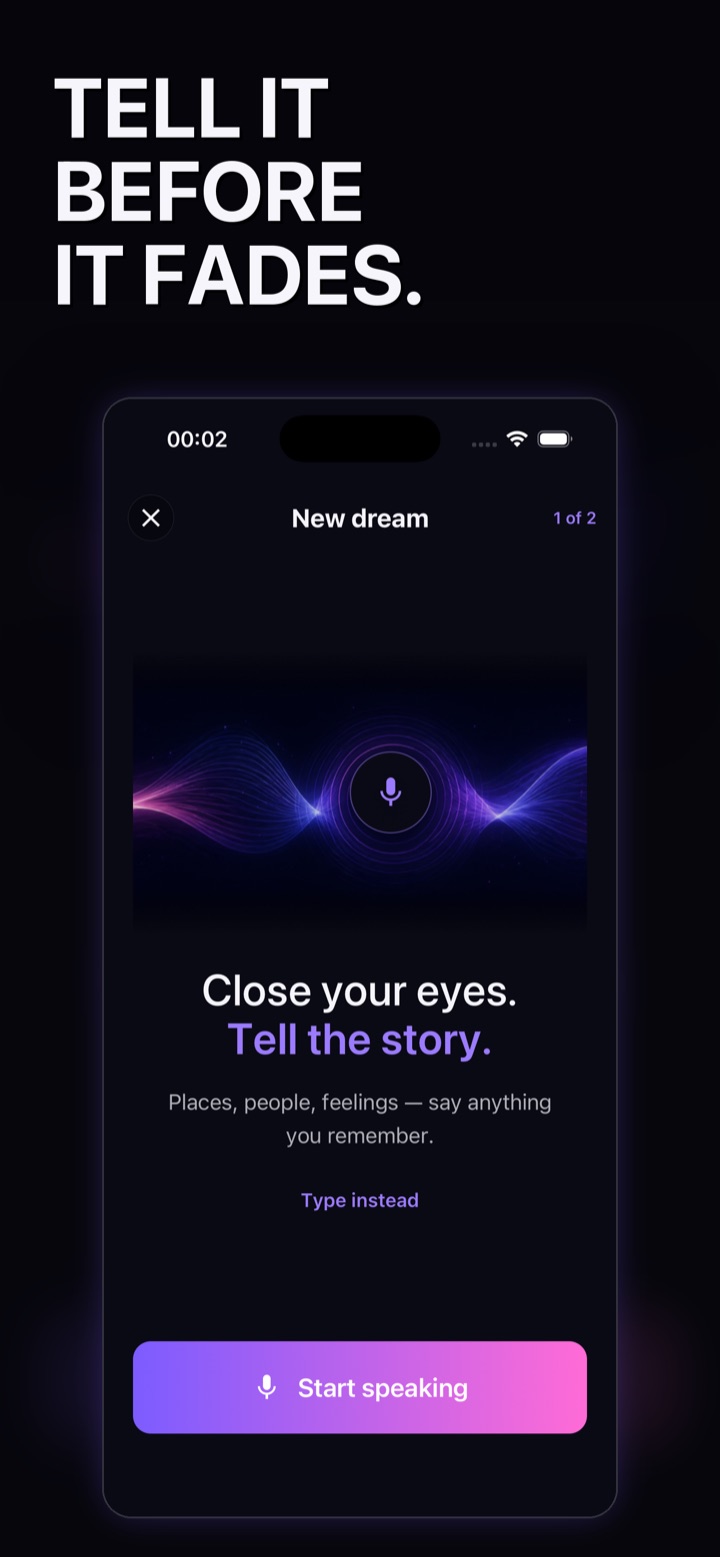
Step 1 · Capture
Say it before it fades.
Start with places, people, feelings, or one impossible detail. Speak naturally or switch to the keyboard; one remembered description is enough to begin.
How to keep a voice dream journal on iPhoneHow WatchDreams works
Capture what you remember by voice or text, generate a short cinematic video, then review and keep it in your private dream journal. Generation takes time, and every creative result can be different.
Available for iPhone and iPad.
The complete journey
WatchDreams is designed around one private loop: remember, create, watch, revisit, and share only when you choose.
Step 1 · Capture
Start with places, people, feelings, or one impossible detail. Speak naturally or switch to the keyboard; one remembered description is enough to begin.
How to keep a voice dream journal on iPhone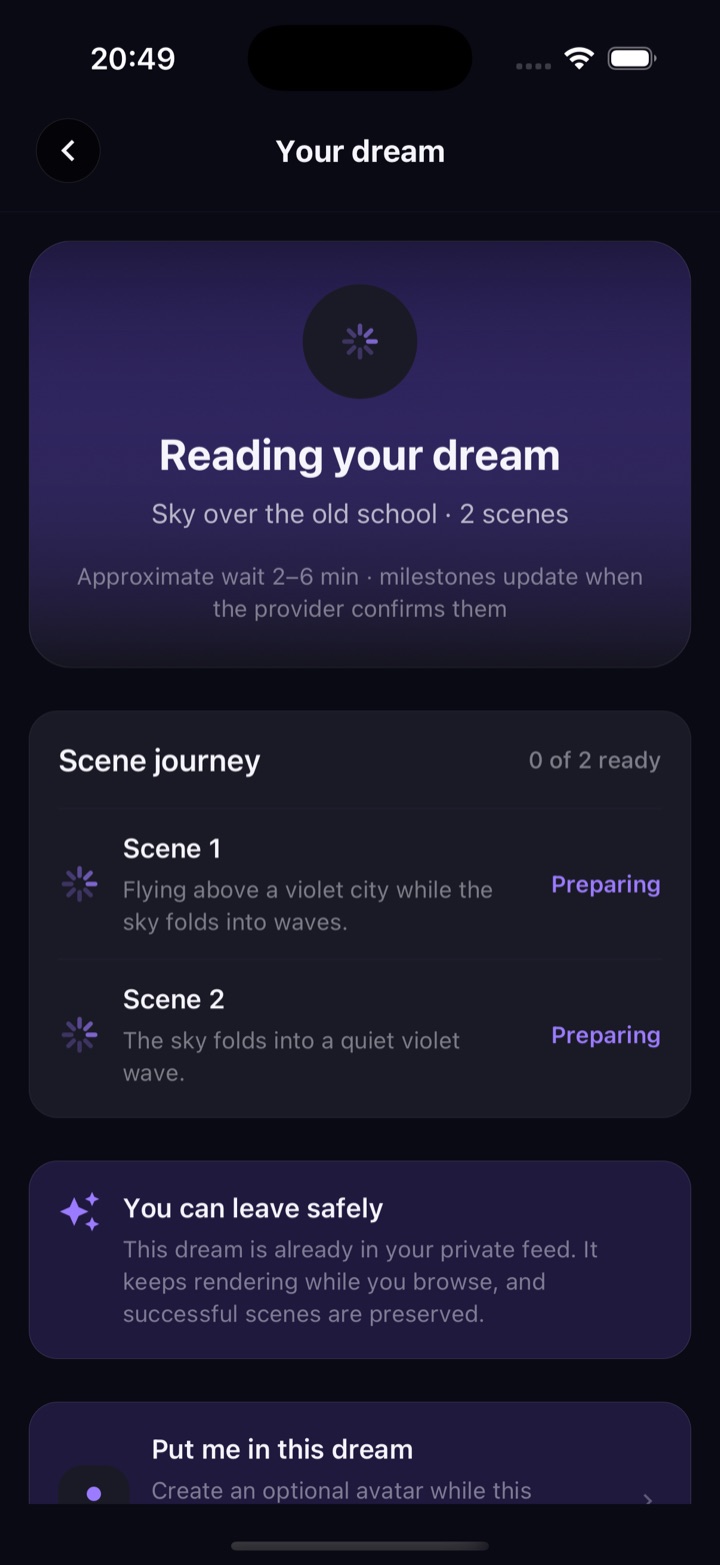
Step 2 · Generate
AI video is not instant. WatchDreams shows the generation journey, preserves successful scenes, and lets you leave the screen safely while the work continues.
Step 3 · Watch
The finished video is a creative rendering of your remembered description—not a literal replay or a dream interpretation. AI results can be surprising or imperfect, and each generation can differ.
Explore the dream-to-video app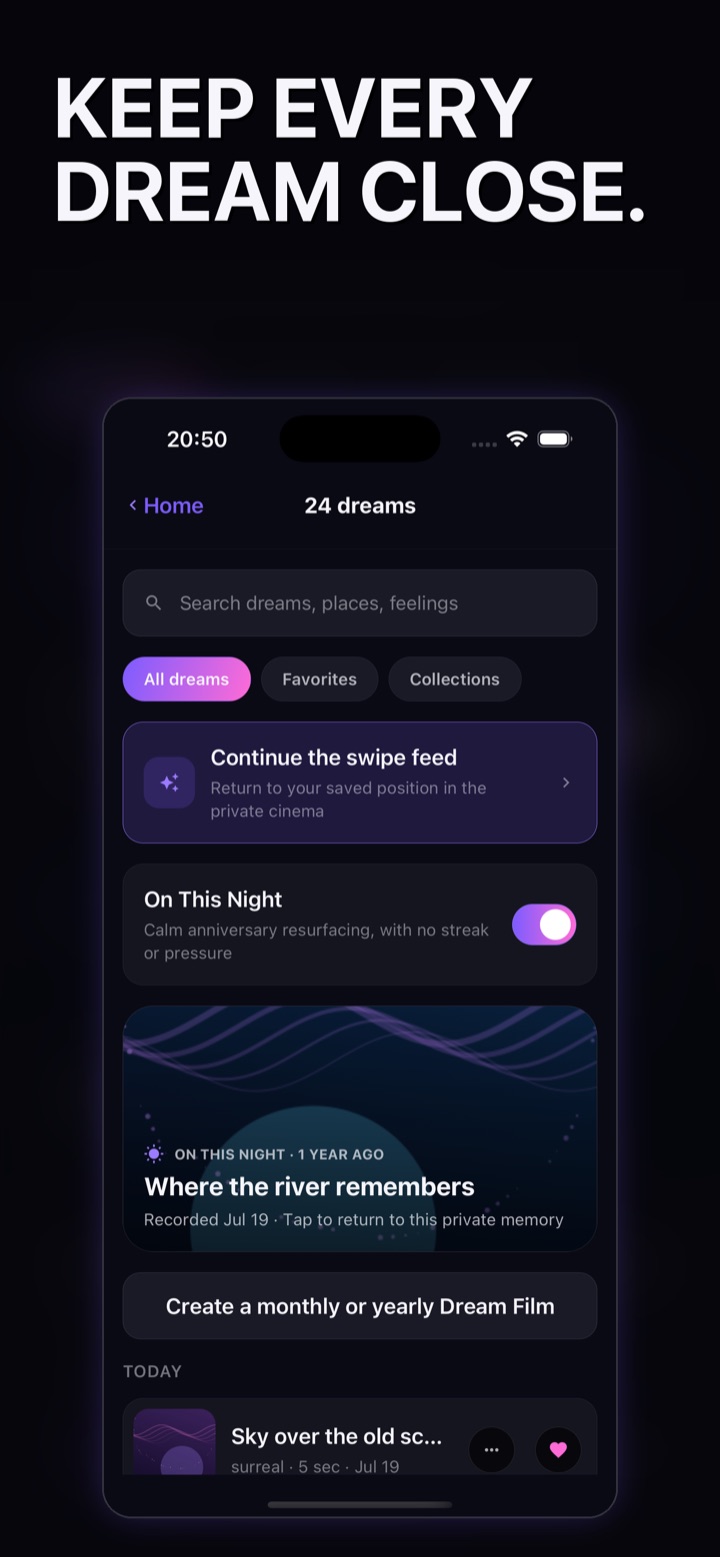
Step 4 · Revisit
Finished films land in a local-first journal on your device. Search, favorites, collections, anniversary memories, and Dream Films help you return to them without turning your dreams into a public profile.
Read exactly how privacy works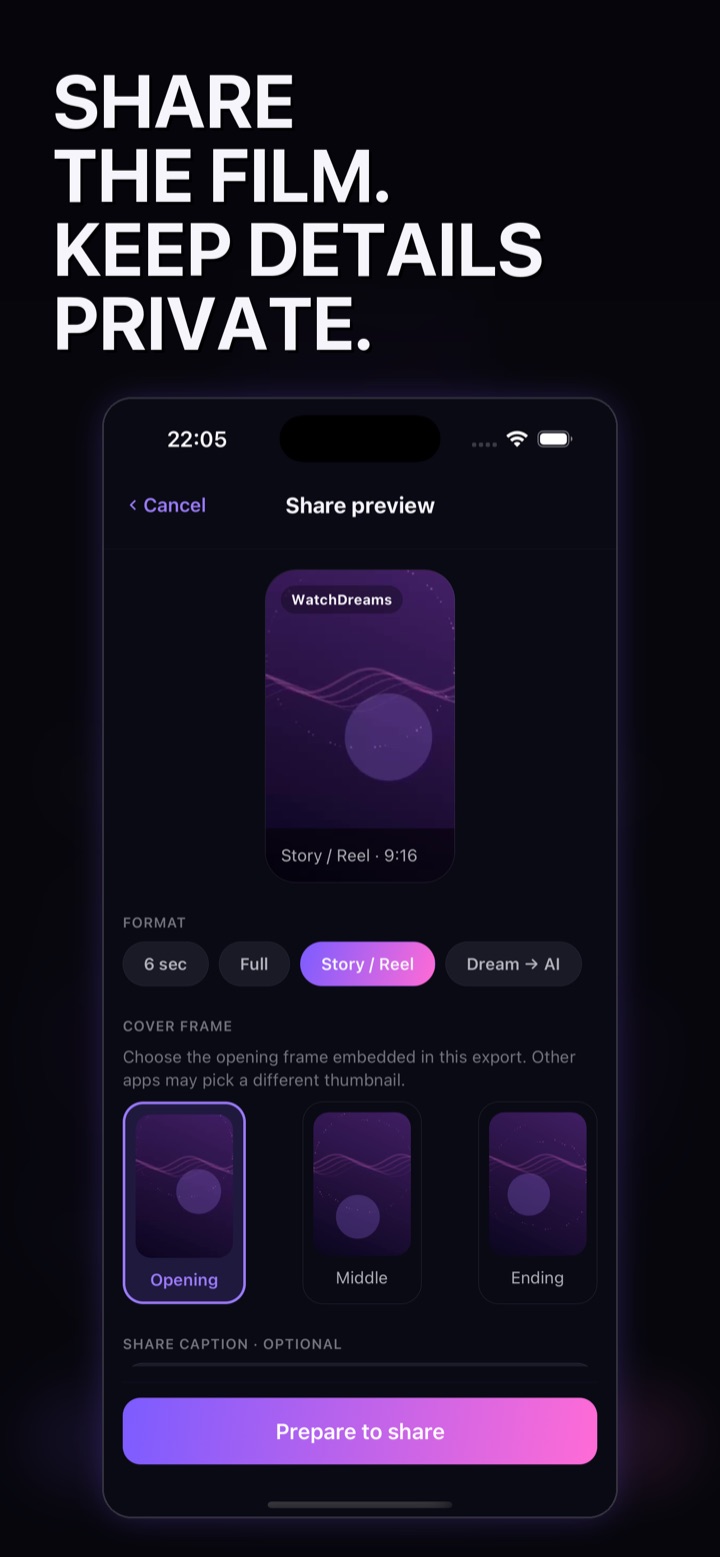
Step 5 · Decide
Choose the format, cover, optional caption, and signature in a dedicated preview. Sharing starts only after you prepare the export and open the native share sheet.
Common questions
No. It is a creative journal and video experience, not a medical, psychological, therapeutic, sleep, or interpretation service.
No. WatchDreams has no public dream feed. Sharing begins only after you review and prepare a specific export.
No. AI video takes time. The app shows progress and lets you return when the dream is ready.
WatchDreams is available on the Apple App Store for iPhone and iPad and requires iOS or iPadOS 15.1 or later.